SEARCH
Categories
Tags
Links
Archives
- September 2015
- July 2013
- May 2013
- September 2011
- January 2011
- December 2010
- November 2010
- September 2010
- August 2010
- July 2010
- May 2010
- April 2010
- March 2010
- December 2009
- November 2009
- October 2009
- September 2009
- August 2009
- June 2009
- May 2009
- April 2009
- March 2009
- February 2009
- January 2009
- December 2008
- November 2008
processing
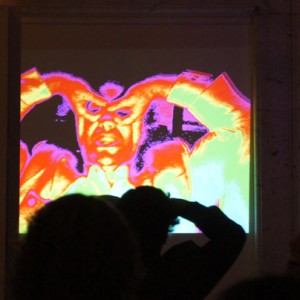
Huescapes at MindshareLA
Saturday, September 24th, 2011Playing with brightness and hues to melt your face
Keep Reading » Comments Off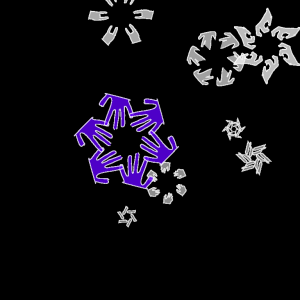
Live body snow flakes
Friday, December 17th, 2010I made an interactive winter-time piece for Syynlabs’ participation in the Motion Theory holiday party as well as December Mindshare: A video camera captures your silhouette and creates a live symmetrical “snow flake” that gently falls down the screen. When the blue flake reaches the bottom it saves your posed flake to join the rest [...]
Keep Reading » Comments Off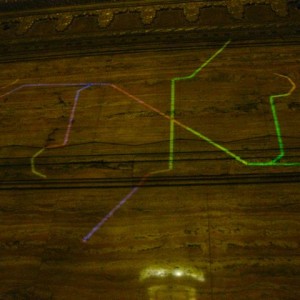
“Turtle” visuals at Mindshare LA
Sunday, September 19th, 2010I developed some new animations for September Mindshare at the old Stock Exchange in downtown LA, including “Turtle”– an experiment with creating complex structures by expanding on the concept of Turtle graphics. The left and right turn angles are variables and each turtle path is rotated and drawn multiple times to create rotational symmetry. Once [...]
Keep Reading » Comments Off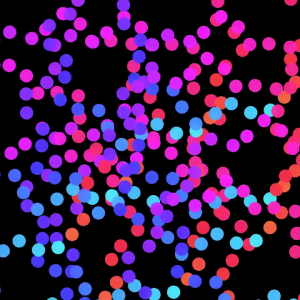
Razzle redux: now with automation
Friday, August 20th, 2010I recently dug up and improved Razzle, my custom-made VJ / performance program that I worked on at MAT last year. I added an automation feature that cycles through each animation every few minutes, and tweaks the animation parameters every few seconds, ensuring a constantly evolving display. The results were exhibited at August MindshareLA (pictures [...]
Keep Reading » Comments Off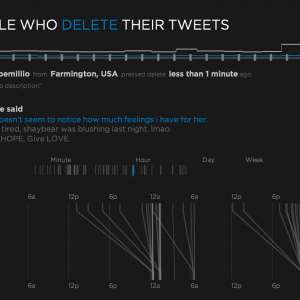
Aether: Exploring people who delete their tweets
Saturday, July 31st, 2010I presented my masters project on June 9th, 2010 to complete my degree of M.S. Multimedia Engineering in the Media Arts & Technology department at UCSB. I wanted to explore real-time data gathering and visualization and decided to use the Twitter API as the data source to see what I could do. My system consumes [...]
Keep Reading » Comments OffLevity: Generative Cubic Constructs
Wednesday, June 3rd, 2009For Fundamentals of Spatial Computing I explored recursive and generative architecture in a general sense. Rather than designing buildings I was concerned with generative 3D structural forms built only out of cubes aligned to a grid. I wanted to create a system that would be simple to use but be capable of creating a wide [...]
Keep Reading » Comments Off